
Vela Xtream: IPTV Player
Your Xtream account, made easy to watch
Vela is a fast, private player for iPhone and iPad. Bring the credentials your provider gave you and Vela turns them into a library you can actually navigate.

No content included: use your own subscription.
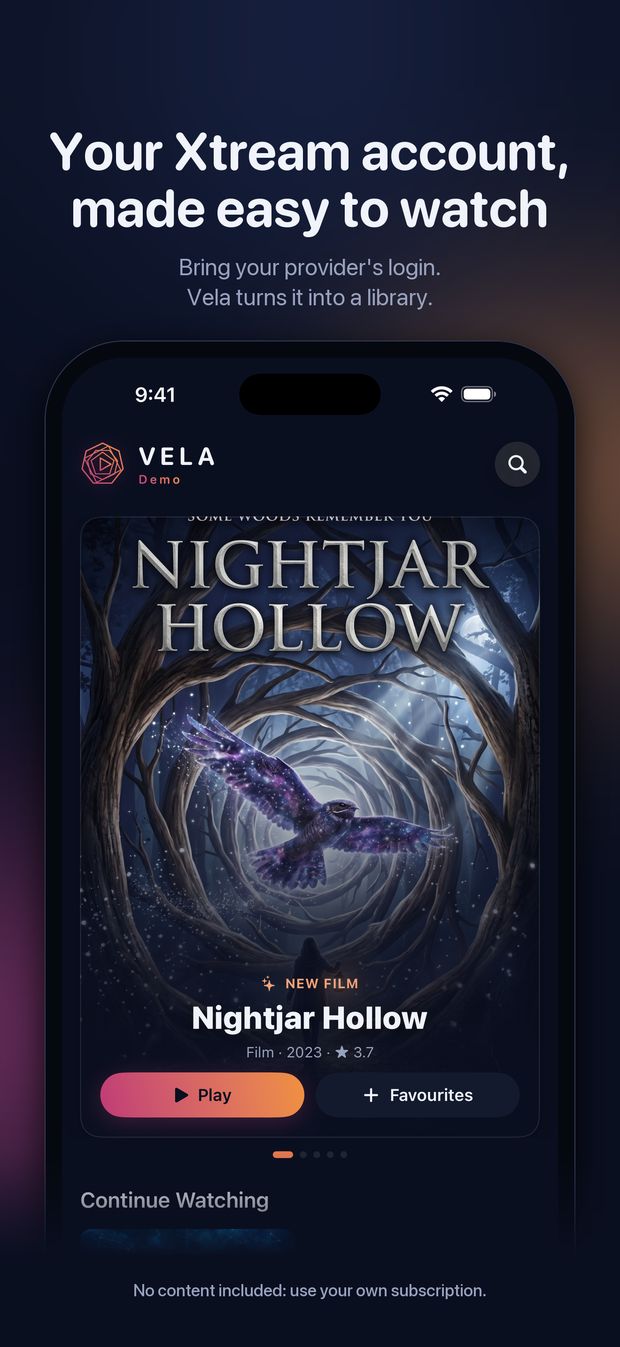
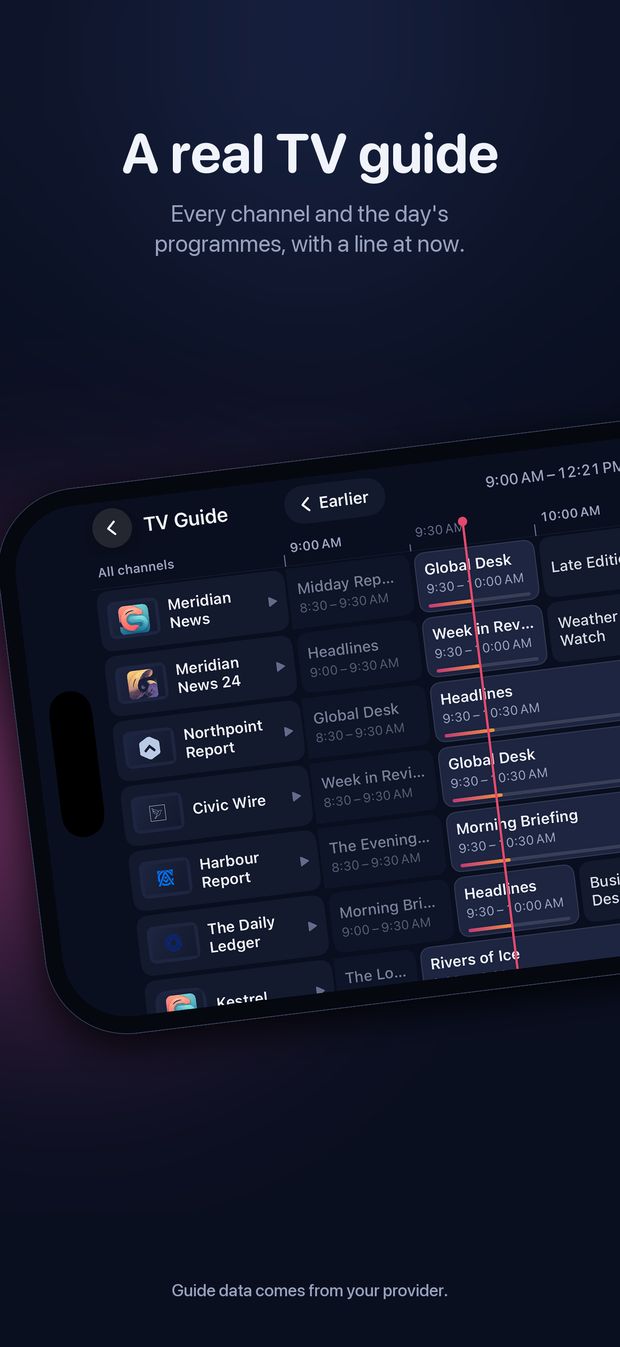
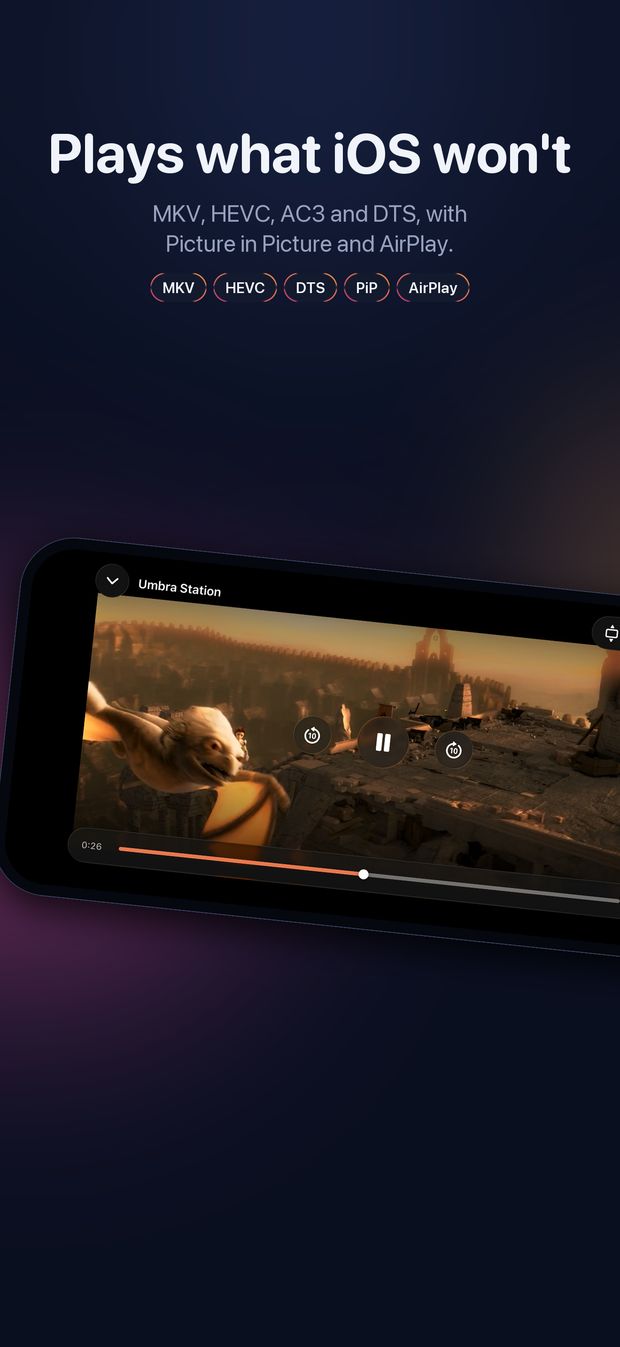
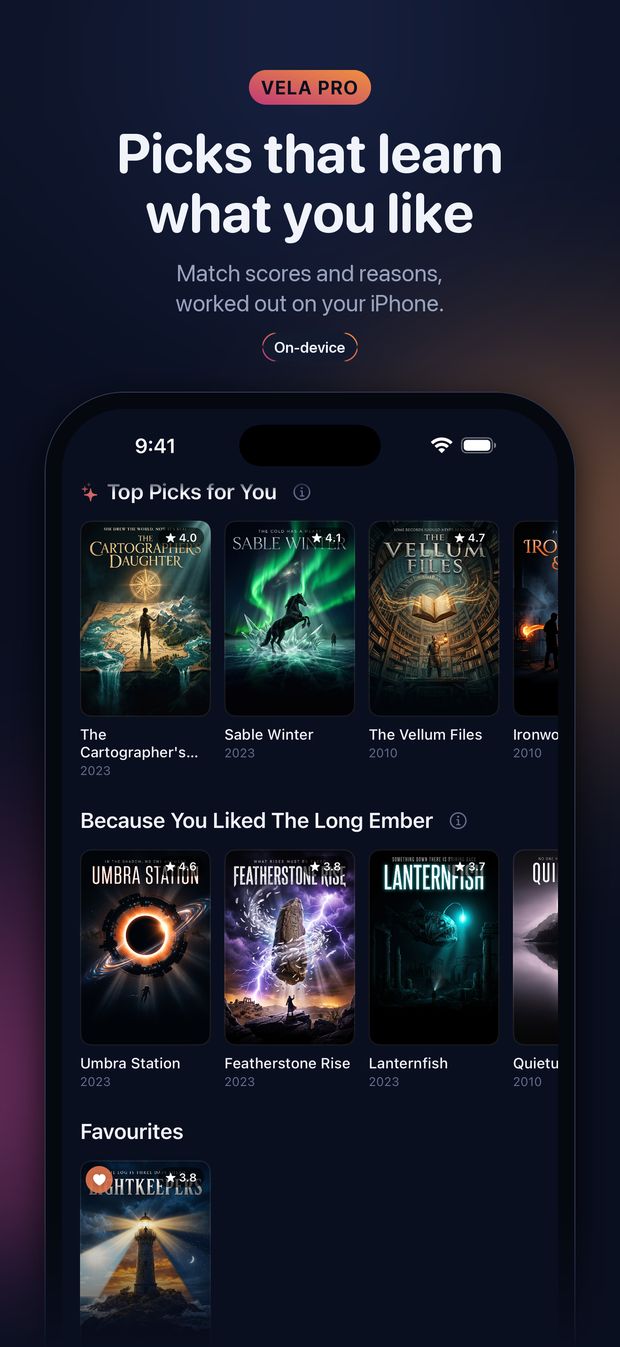
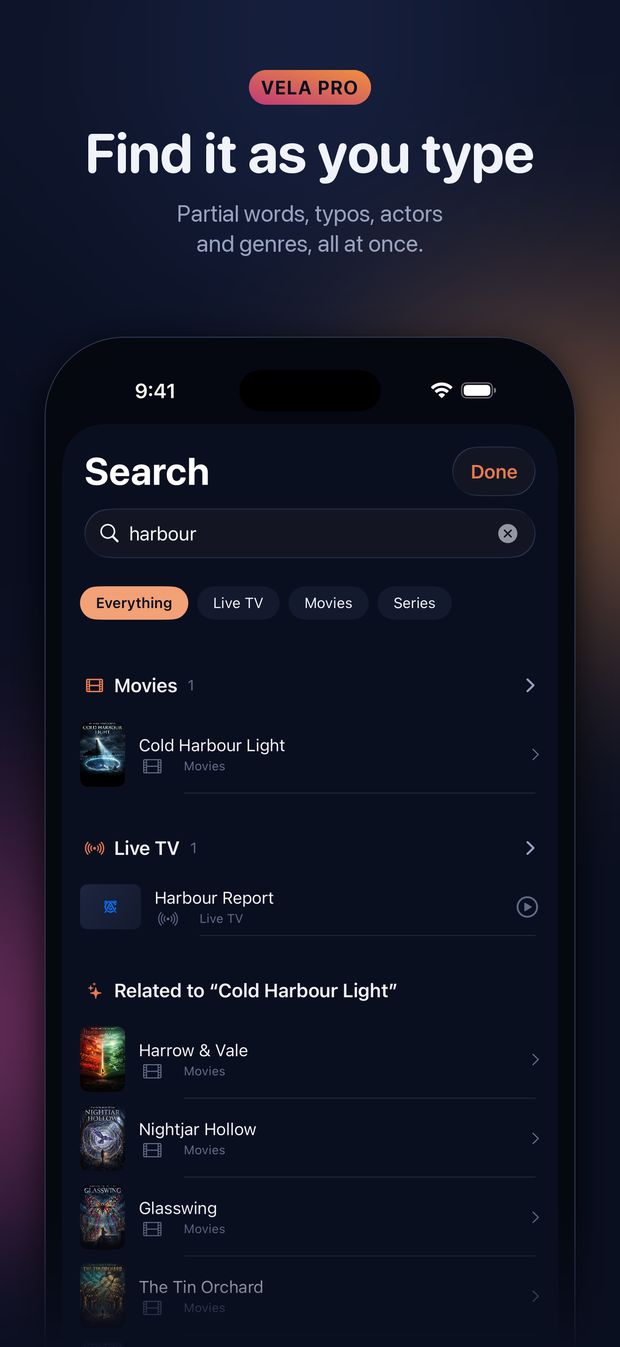
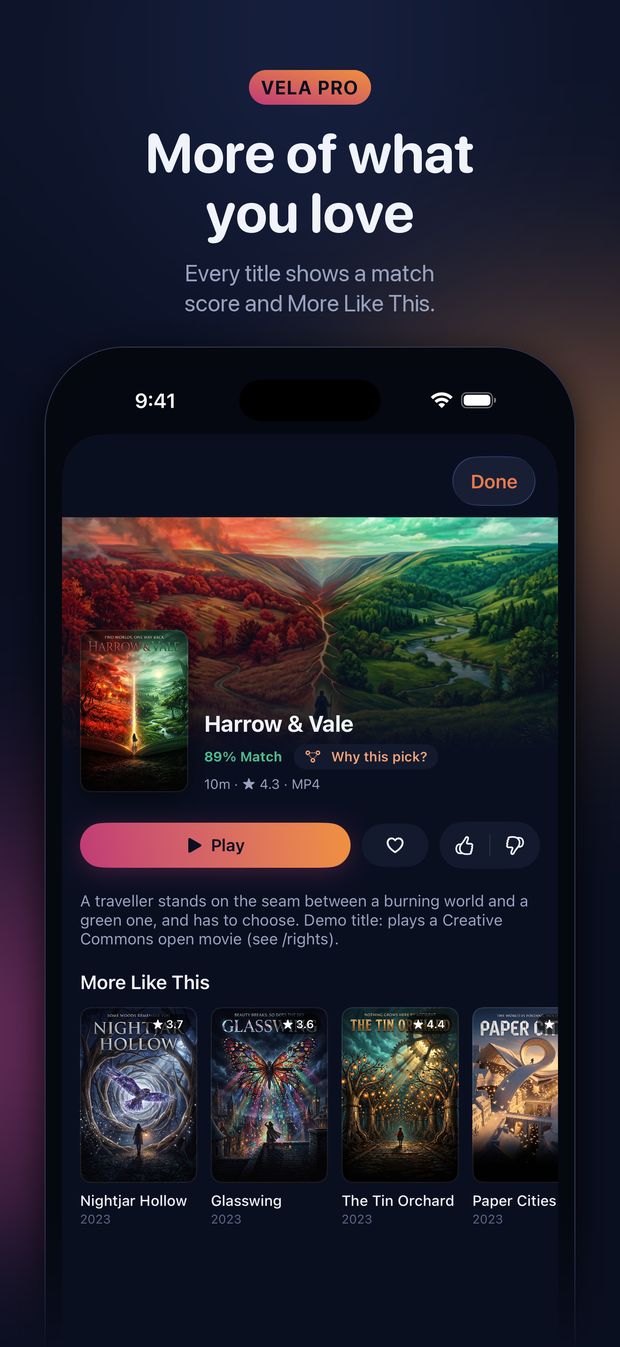
Screenshots show Vela's demo library: invented titles, generated art and Blender Foundation open movies.
What it does
- A TV guide grid: your channels against the clock, wherever your provider publishes listings
- Search that finds it as you type: partial words, actors, genres Vela Pro
- Picks that learn what you like, worked out on your device and never uploaded Vela Pro
- Categories you can search and star, not just scroll
- Plays what iOS normally cannot: Matroska, AVI, HEVC, AC3 and DTS audio
- Subtitle and audio track selection
- Picture in Picture, AirPlay and background audio
- Continue watching, favourites, and next-episode playback
- Credentials kept in the iOS Keychain, on your device
Vela includes no content, no channels and no provider. You need an existing subscription with an Xtream-compatible provider.
New in 1.2.0
- Better picks Vela ProThe Picked for You rows put the other films in a franchise first, follow shared actors and directors, keep to the language you watch in, and show each title once, however many copies your provider carries. Anything you have watched, in any copy, stays off them.
- More Like This finds films by their actors Vela ProVela fetches the cast of the films it is about to recommend from your provider, one at a time in the background, and never while you are watching.
- Rows that turn over every hour Vela ProThey let go of anything shown to you for days that you never opened, and are ready sooner after launch on large libraries.
- A steadier playerThe menu no longer flickers while open, and the new scrubber lands where you let go. Both keep the controls on screen while you use them.
Free and Pro
| Feature | Free | Pro |
|---|---|---|
| Browse, favourites and the TV guide | ✓ | ✓ |
| Playback | Breaks every 10 min | No breaks |
| Learns what you like | ✓ | ✓ |
| Search | – | ✓ |
| Picked for You rows | – | ✓ |
| Match scores and More Like This | – | ✓ |
| Why This Pick? and Your Taste | – | ✓ |
A 14-day trial of everything in Pro starts when you first sign in. After that, Vela Pro is USD 4.99 a year in the US; the app shows the price in your store before you buy. Without Pro, browsing and playback stay free, and playback pauses for a moment every 10 minutes.
Vela Pro is an auto-renewing annual subscription. Payment is charged to your Apple Account at confirmation of purchase. It renews automatically unless cancelled at least 24 hours before the end of the current period. You can manage or cancel it in your Apple Account settings.
Private by design
Your taste is worked out on your device, and nothing about what you watch is uploaded, because there is nowhere to upload it. When Vela looks up who is in a film, it asks your own provider, as a film's page already does. Your provider login stays in the iOS Keychain. The App Store privacy label reads Data Not Collected, and this site sets no cookies and runs no analytics.
Questions
Does Vela include channels?
No. Vela is a player only: it comes with no channels, no films, no playlists and no provider. You bring an account you already have with an Xtream-compatible provider. Vela does not sell, recommend or partner with providers.
What is Xtream Codes, and how do I sign in?
Xtream Codes is the login many IPTV services use: a server address, a username and a password. Type the three into Vela, or paste the playlist link from your provider's welcome email (the one with get.php?username=…&password=… in it) and Vela fills them in for you. You can save several providers and switch between them; each keeps its own favourites and resume points.
Does it play plain M3U playlists?
Not yet: Vela signs in to Xtream accounts only. Paste a playlist link without a username and password, and Vela tells you what kind of link it needs.
Where do the picks come from?
Picks, match scores and More Like This are part of Vela Pro, and they are worked out on your iPhone or iPad from what you do in Vela: what you watch and how much of it, thumbs up and down, favourites, and what you search for and choose. There are no other viewers to learn from, because nothing is uploaded. Vela learns on the free plan too, so the picks are ready if you subscribe.
Your provider's film list says nothing about who is in a film, so Vela asks your provider for the details of the films it is about to recommend: one at a time, in the background, never while you are watching, and not in Low Data Mode or Low Power Mode.
Why does playback pause?
That is the free plan. Without Vela Pro, playback pauses for a moment every ten minutes, and Keep Watching carries on after a few seconds. Vela Pro removes the breaks, and nobody in the 14-day trial sees one.
What do I need?
An iPhone or iPad with iOS 17 or later, and an account with an Xtream-compatible provider. The app is in English.